Steward Records
Support.

Keep the documents about the things you own, and get answers you can check against the page they came from.

Email support

Getting help

One person reads this address, and replies.

✉️

help@driftwoodapps.com

Tell us what you expected and what happened instead. If something looked wrong on screen, a screenshot settles it faster than a paragraph.

Common questions

Where are my documents stored?

On your device, and in your own private iCloud database if you are signed in to iCloud. There is no Steward server. We cannot see them.

Why is my other device not showing a change?

Sync runs through your iCloud account. Check that both devices are signed in to the same account and have a connection. Settings → Recent Activity reports the last upload and download, and any error, unparaphrased.

Does anything get sent to an AI?

Not unless you turn it on. Steward reads documents on your device by default. Sending a question to Claude requires your own Anthropic API key and your explicit consent, and can be switched off by removing the key.

A reminder did not arrive.

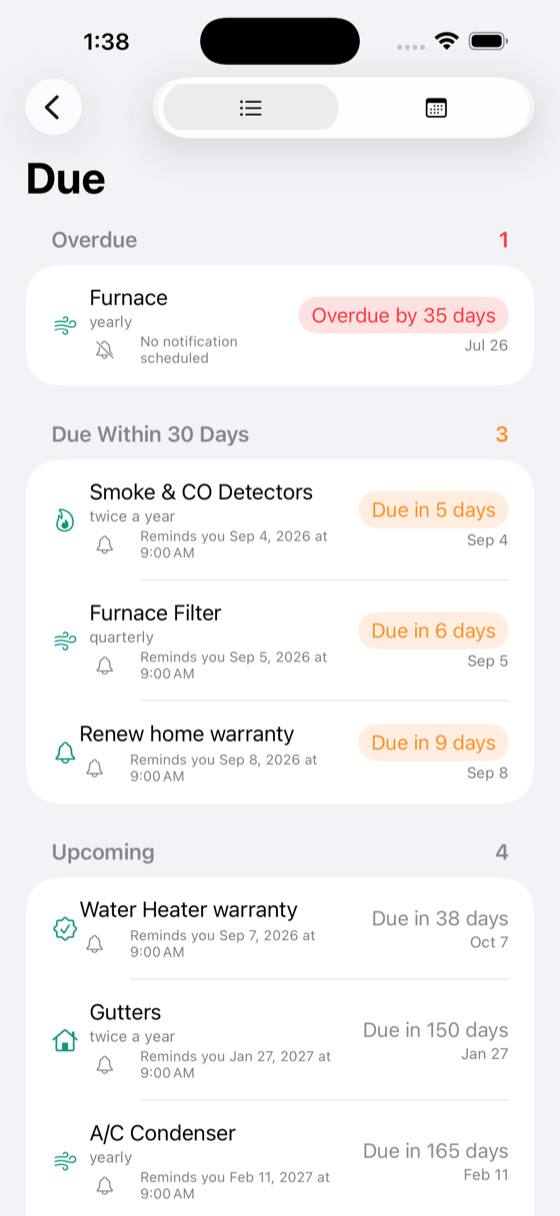
Reminders fire at 9am on the due day, and a date already past will not schedule one. Settings → Recent Activity shows the permission state and exactly what is scheduled.

The scan came out unreadable.

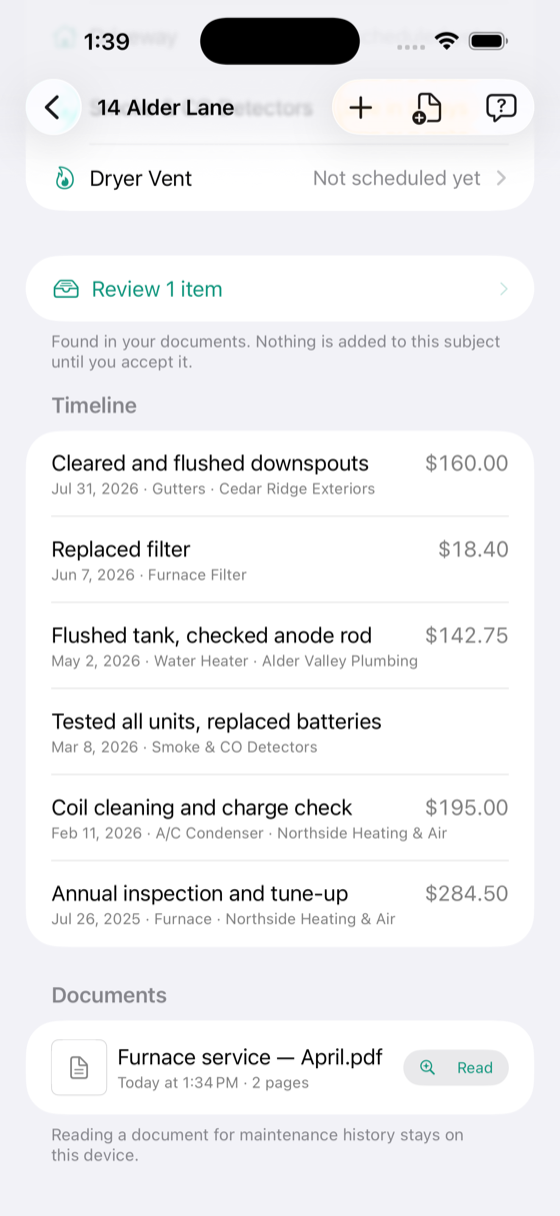
Open the document and switch to “Text read” to see what was recognised. A photograph of a page in good light beats a screenshot of one, and a stamped metal plate is the hardest case there is.

How do I delete a document?

Swipe it in the documents list. You can remove it from one subject or delete it everywhere; the app tells you what each choice costs before you confirm.

Privacy

Steward has no accounts and no servers. The full policy is here.